
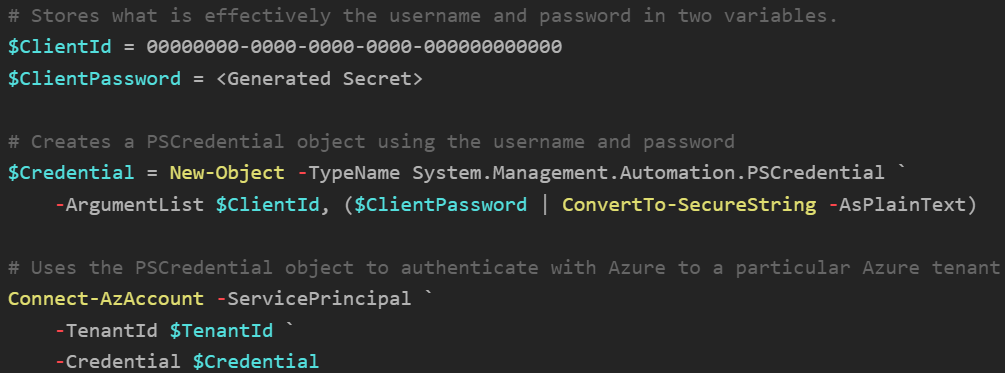
On rare occasions, you may sometimes need to log in with an Azure service principal. Below is a code snippet that you can use to authenticate as a service principal. You will need to know the client ID and either know a client secret that has been generated or have access to a client certificate.
Once signed in, you are that service principal. So running commands like Get-AzSubscription or Get-AzResourceGroup may help with identifying role-based access control issues.
Login As Service Principal with Secret
PowerShell
Reference: MS Learn - Connect to Azure using a service principal account
This snippet is really here because I forget how to generate the $Credential object everytime I need to do this!
# Stores what is effectively the username and password in two variables.
$ClientId = 00000000-0000-0000-0000-000000000000
$ClientPassword = <Generated Secret>

# Creates a PSCredential object using the username and password
$Credential = New-Object -TypeName System.Management.Automation.PSCredential `
	-ArgumentList $ClientId, ($ClientPassword | ConvertTo-SecureString -AsPlainText)

# Uses the PSCredential object to authenticate with Azure to a particular Azure tenant
Connect-AzAccount -ServicePrincipal `
	-TenantId $TenantId `
	-Credential $Credential